
Log in to your Shopify store Click “Apps” in the left sidebar (or go to Apps and sales channels).
Quick link: From your store URL → /admin/apps
Click “Shopify App Store” or search “AI Performative” directly in the search bar.
Click “Install” or “Add app”. Review the permissions (we only request read/write access to products & metadata nothing more).
Read-only product data access by default
Click “Install” again on the confirmation screen. You will be redirected to Performative dashboard. Log in with your Performative account (or create one in 10 seconds).
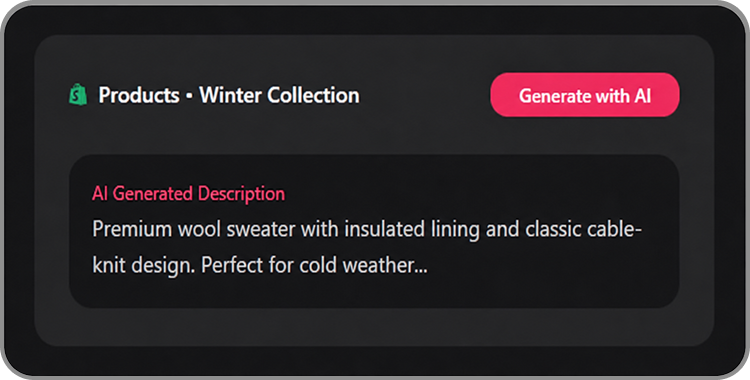
Your products will auto-sync. “Bulk Generate” and start creating AI content instantly.


